Getting Started with JavaScript: A Beginner's Guide
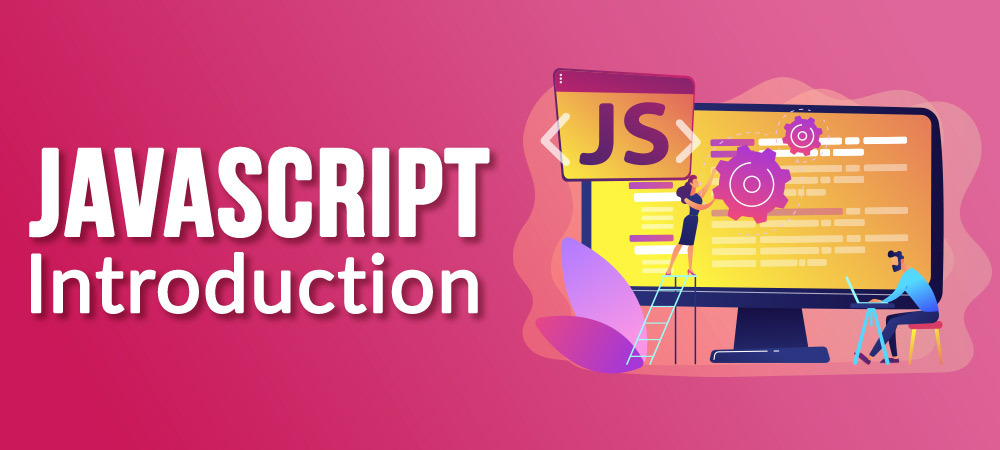
JavaScript is one of the most popular programming languages in the world. It's an essential skill for web development, allowing you to create interactive and dynamic web pages. If you're new to programming or transitioning from another language, this guide will help you get started with JavaScript.
What is JavaScript?
JavaScript (JS) is a versatile, high-level programming language primarily used to enhance the interactivity and functionality of websites. Unlike HTML and CSS, which are used for structuring and styling web content, JavaScript allows you to create dynamic features like animations, form validations, and real-time content updates.
Setting Up Your Environment
Before writing your first JavaScript code, you need to set up your development environment. Here's what you'll need:
A Web Browser: Modern browsers like Google Chrome, Firefox, or Edge come with built-in JavaScript engines and developer tools.
A Code Editor: Use a code editor like Visual Studio Code, Sublime Text, or Atom to write your JavaScript code. These editors offer features like syntax highlighting, autocompletion, and debugging tools.
Installing Visual Studio Code
Download Visual Studio Code from the official website.
Install the editor by following the instructions for your operating system.
Open Visual Studio Code and install the JavaScript extensions for enhanced functionality.
Writing Your First JavaScript Program
Let's start with a simple "Hello, World!" program to get a feel for JavaScript.
Create a new folder for your project and open it in Visual Studio Code.
Create an
index.htmlfile and ascript.jsfile.
index.html
htmlCopy code<!DOCTYPE html>
<html lang="en">
<head>
    <meta charset="UTF-8">
    <meta name="viewport" content="width=device-width, initial-scale=1.0">
    <title>JavaScript Introduction</title>
</head>
<body>
    <h1>Welcome to JavaScript!</h1>
    <script src="script.js"></script>
</body>
</html>
script.js
javascriptCopy codeconsole.log("Hello, World!");
Open
index.htmlin your web browser. You can do this by right-clicking the file in Visual Studio Code and selecting "Open with Live Server" if you have the Live Server extension installed, or simply opening the file directly in your browser.Open your browser's Developer Tools (F12 or right-click on the page and select "Inspect") and go to the Console tab. You should see the message "Hello, World!" logged to the console.
Basic JavaScript Syntax
Variables
Variables are used to store data that can be used and manipulated throughout your program.
javascriptCopy codelet message = "Hello, JavaScript!";
console.log(message);
Data Types
JavaScript supports various data types, including strings, numbers, booleans, arrays, and objects.
javascriptCopy code// String
let name = "Alice";

// Number
let age = 25;

// Boolean
let isStudent = true;

// Array
let fruits = ["Apple", "Banana", "Cherry"];

// Object
let person = {
    firstName: "John",
    lastName: "Doe",
    age: 30
};
Functions
Functions are reusable blocks of code that perform a specific task.
javascriptCopy codefunction greet(name) {
    return `Hello, ${name}!`;
}

console.log(greet("Alice"));
Conditional Statements
Conditional statements allow you to execute different code based on certain conditions.
javascriptCopy codelet number = 10;

if (number > 5) {
    console.log("The number is greater than 5.");
} else {
    console.log("The number is 5 or less.");
}
Loops
Loops let you execute a block of code multiple times.
javascriptCopy codefor (let i = 0; i < 5; i++) {
    console.log(`Iteration ${i}`);
}
Interacting with the DOM
The Document Object Model (DOM) represents the structure of an HTML document. JavaScript can interact with the DOM to dynamically update content.
javascriptCopy code// Select an element
let heading = document.querySelector("h1");

// Update the element's content
heading.textContent = "Hello from JavaScript!";
Next Steps
Now that you've had an introduction to JavaScript, here are some next steps to further your learning:
Practice Regularly: Write small programs to practice the concepts you've learned.
Explore JavaScript Resources: Utilize resources like MDN Web Docs, JavaScript.info, and W3Schools.
Build Projects: Start building small projects like a to-do list, a calculator, or a simple game to apply your knowledge.
Join the Community: Engage with other learners and developers on platforms like Hashnode, Stack Overflow, and Reddit.
JavaScript is a powerful language that opens up many opportunities in web development. Keep learning, experimenting, and building, and you'll soon become proficient. Happy coding!